Kling 3.0 Review: Is It Now the Best AI Video Generator?
A director's take on Kling 3.0: where its motion physics lead, where Runway wins, and what a shot really costs on per-second credit maths.
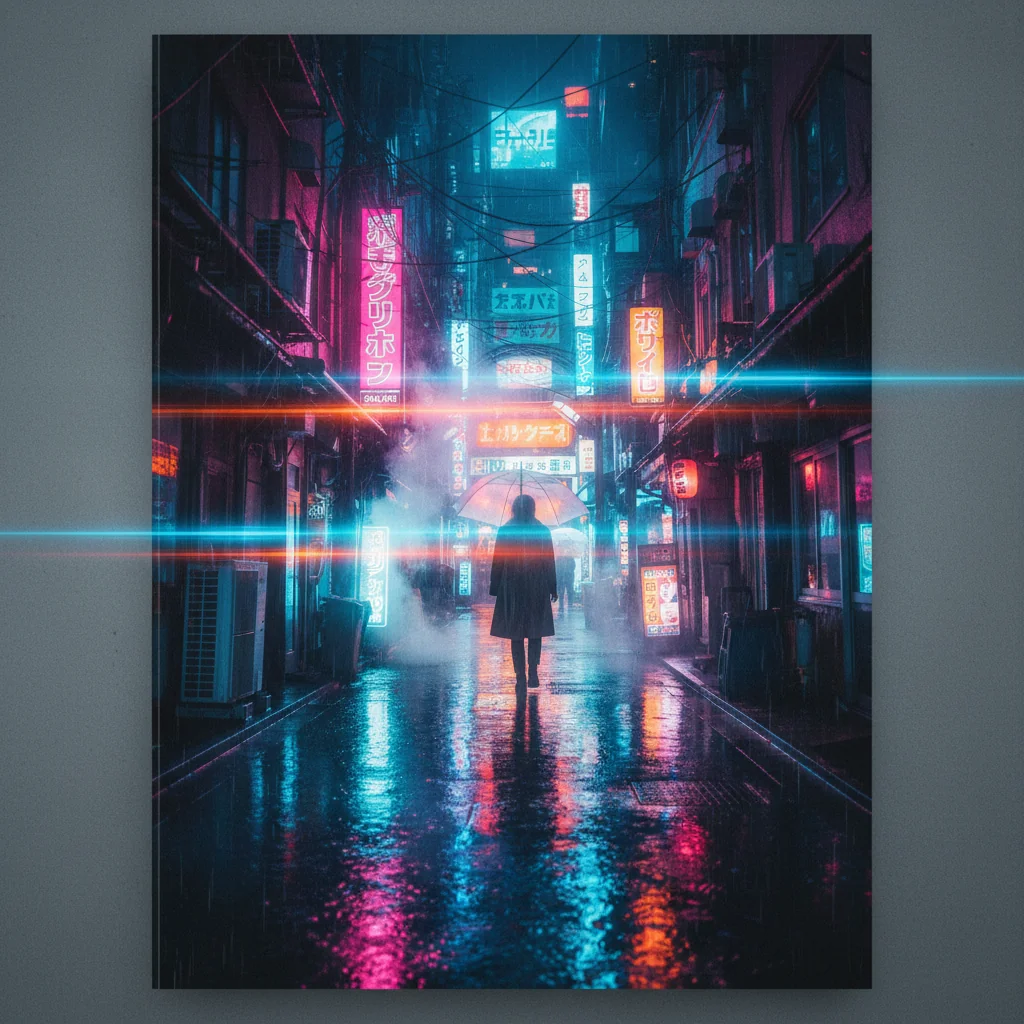
 Kling AI
 Runway
I have run Runway and Kling beside each other on real jobs for a while now, and for most of that time the comparison was not close on the shots I care about. With Kling 3.0 it got genuinely hard.
That is the short version. The longer version is more useful, because "which is better" is the wrong question and the right one is "better at what".
What actually changed in 3.0
The headline improvement is temporal consistency: holding subject identity, lighting and spatial relationships across a longer clip. Earlier versions were strong on a single moment and then drifted. Faces would soften, clothing would reorganise itself, and the back half of a clip would quietly stop matching the front.
3.0 holds. Not perfectly. Not indefinitely. But well enough that an eight-second shot is now a reasonable thing to attempt rather than a gamble.
Two additions matter more than the consistency gain, though, and they get less attention:
Native audio. Kling 3.0 generates sound with the picture rather than leaving you to lay it under afterwards. Same significance as it has in the Veo line: the audio is synchronised to that specific shot, which removes an editing stage.
Native 4K, which arrived in April 2026. For commercial delivery this matters more than it sounds, because upscaling a 1080p generation and generating at 4K are not the same picture. Detail that was never there does not come back.
Motion physics: where Kling genuinely leads
This remains the strongest reason to reach for it. For shots involving water, fabric, fire, hair or any complex particle behaviour, Kling is the first tool I try.
Fabric is the clearest test. Cloth in wind is unforgiving, because everyone has seen it and the brain knows immediately when the weight is wrong. Most generators produce fabric that moves like a flag. Uniform, weightless, slightly too fast. Kling gets closer to the way real cloth resists the air and catches against the body.
That is a narrow advantage. It also sells commercials. Worth having.
Where Runway still wins
Runway's advantage is control surfaces and breadth rather than raw output.
Camera control is still Runway's. Defining an exact path, controlling the speed curve, easing the move: that precision is not matched natively elsewhere, and on a brief with a specified camera move it decides the choice by itself.
Stylised work. Kling is strongest in naturalistic, real-world scenes. Push it toward painterly, surreal or heavily graphic aesthetics and it gets less confident. Runway holds a non-realist look more reliably.
Workflow. Runway's editor is a production environment. Kling's interface has improved a great deal and it is still not the same thing.
There is also a newer wrinkle. In July 2026 Runway launched a model router, directing a request to whichever model suits it. A company with its own frontier models conceding that no single model wins every brief is worth noticing, and it is the same conclusion this comparison keeps reaching.
Kling AI pricing: what a shot actually costs
This is where most write-ups go wrong, including the earlier version of this one, so it is worth being precise.
Kling 3.0 bills per second, not per generation. As of August 2026, and unchanged when we rechecked the same source on 30 September, the rate runs from about 6 credits per second at 720p without audio to about 12 credits per second at 1080p with native audio (source).
So a five-second 1080p shot with audio is roughly 60 credits, not the ten that a per-generation mental model would suggest. On a forty-shot job that difference is the entire budget conversation. Do the maths first.
The free tier is 66 credits per day, resetting every 24 hours and not rolling over. That is a few short clips daily, which is genuinely enough to evaluate the thing before paying.
On subscription pricing I am going to be deliberately vague, and I would rather explain why than quote a number that is wrong by the time you read it. Independent trackers currently report materially different figures for the same Kling tiers, because Kuaishou runs regional pricing and rolling promotions. Anything I state here as fact will age badly. Check the current plans directly.
The structural point survives the promotions: paid tiers unlock watermark removal, Professional mode, 1080p, priority queue and commercial rights. If you intend to use output commercially, the free tier is for testing only.
How I actually choose
| Shot type | First call | Why |
|---|---|---|
| Water, fabric, fire, hair | Kling 3.0 | Best motion realism available |
| Specified camera move | Runway Gen-4.5 | Precise path and speed control |
| Fast commercial turnaround | Kling 3.0 | Strong quality, quick to a usable take |
| Stylised or non-realist | Runway Gen-4.5 | Holds a non-real look more reliably |
| Dialogue with sound | Veo 3.1 | Native audio is more mature there |
| Beyond ten seconds | Neither, reliably | Both drift; plan to cut |
The honest summary is that I use several tools on every production and pick per shot. Kling wins a meaningfully larger share of those comparisons than it did a year ago, and it wins them decisively in the physics category.
Where it still falls down
Text is unusable. Any signage, label or on-screen lettering will come out wrong. Plan to add text in post, always.
Faces drift on long clips. Better than before, still real. Check every generation at full size rather than trusting the thumbnail.
Stylisation is inconsistent. Ask for a specific illustrative style across several shots and you will get several interpretations.
Prompt sensitivity is high. Small wording changes produce large output changes, which makes iteration feel unpredictable until you learn its habits.
Is Kling AI worth it? The verdict
Kling 3.0 is a first-call tool for physics-heavy shots, fast commercial turnaround and anything where fabric or water has to convince. It has not replaced anything in my stack. It has earned a permanent place in it.
If you last looked at Kling on version 2.x, that assessment is out of date and the per-second credit maths is the thing to understand before you budget. Run your most physics-intensive shot through the free daily credits and judge it on your own brief.
Our own Studio does not run Kling. It does run the models I most often test it against, including Seedance 2.5, MiniMax H3 and Veo 3.1, so you can put the same shot through them and compare the results with Kling's.
AIVideos.eu provides director-level AI video production, custom avatar creation, and commercial brand film workflows. For custom video production enquiries and agency partnerships, contact us through our studio contact form.
Generate cinematic AI video, from €15
31 AI models. No subscription. Buy credits, generate on demand, own the results outright.
Also on Android. The AI Videos Studio app, with the same account and credits.