Runway Gen-4 References: Character Consistency Guide
Master Runway Gen-4 reference images to lock character identity across every shot: a production workflow guide for working directors.
Runway Gen-4 References: A Director's Guide to Character Consistency Across Shots
Character consistency has been the single hardest practical problem in AI video production. Not resolution. Not motion blur. Not physics fidelity. The face that turns into someone else's face between shot one and shot two. That's what kills confidence in a cut, burns client relationships, and forces directors back to conventional post workflows just to fix continuity errors that should never exist.
With Runway Gen-4, you can now precisely generate consistent characters, locations, and objects across scenes. Set your look and feel once, and the model maintains coherent world environments while preserving the distinctive style, mood, and cinematographic elements of each frame. That is the fundamental promise. This guide is about delivering on it at a production level, not just for a single test clip, but across a full sequence of shots.
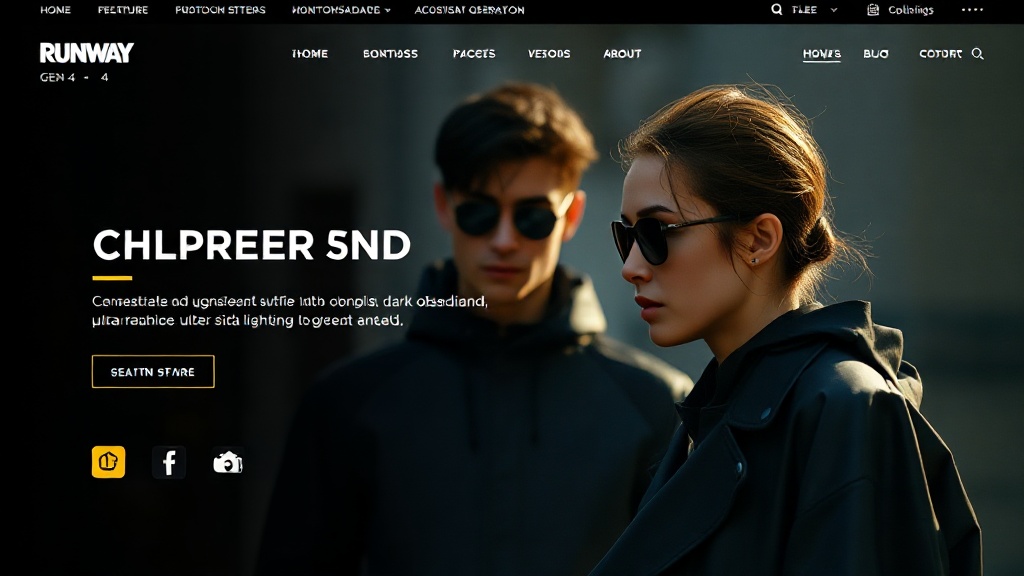
Why Gen-4 References Change the Production Calculus
Gen-4 References allows you to take one or multiple images and create new images using characteristics, styles, characters, or objects from those reference images. You can extract a character from one image and place them in a different scene, transform character elements or environments, blend visual styles between images, or combine elements from multiple sources into a single new creation.
What matters for directors is the specific mechanism. Each image becomes a distinct visual instruction the model follows through entity-level encoding, so the AI can recreate details like characters, environments, and artistic styles more consistently across multiple generations. This is not a loose style-match or a vague resemblance system. The model is encoding identity, not interpreting it.
Gen-4 References excels at generating consistent characters across different lighting conditions, locations, and treatments, all from just a single reference image. A character lit by hard tungsten in scene one should read as the same person in soft exterior overcast in scene four. That was not achievable at a production standard with Gen-3 or any competing model at this quality tier, not without extensive manual cleanup.
Gen-4 can utilise visual references, combined with instructions, to create new images and videos utilising consistent styles, subjects, locations and more, all without the need for fine-tuning or additional training. No LoRA training runs. No custom model fine-tuning. A director with a strong reference image and clear prompt discipline can build a coherent multi-shot sequence in a single session.
Building Your Reference: What Actually Works
The quality of the output is constrained by the quality of the input. That sounds obvious. In practice, most consistency failures trace back to reference image problems, not model limitations.
Reference Image Standards
Use high-resolution images: at least 1024×1024 pixels. Your subjects should be clearly lit and captured from a clean, unobstructed angle. The better the quality of your reference images, the better the AI will be able to understand and replicate the visual details.
Practically, that means:
- Front-facing, neutral expression for the anchor reference. Angled selfies, dramatic shadows, or complex three-quarter poses give the model less to lock onto for identity encoding.
- Clean background where possible. Cluttered backgrounds introduce competing spatial information.
- Single subject per reference when targeting a specific character. When using an image that already contains a subject, cover the existing face with a black box in a photo editor before uploading. This prevents confusion between the original and new subjects.
- Costume specificity matters. If the character has a signature piece — a particular coat, distinct accessories, a specific hairstyle — make sure it is fully visible and unobstructed in the reference.
No photographed subject to work from? Generate the anchor reference instead, following the same standards. I cover that step in the GetImg.ai review for video producers and the ImagineART review, both written around building reference frames for video.
Single Reference vs. Multi-Reference
Using a single reference image relies on text prompts to describe your desired changes while preserving the character's identity. This method is quick and versatile, perfect for exploring creative possibilities without needing additional images.
For complex sequences, however, a dual-reference approach becomes worth the setup time. Using multiple reference images gives you precise control over specific elements of your resulting generation. This method produces more predictable results and is ideal when you have a clear vision that would be difficult to describe with text alone.
The model supports up to three reference images and accommodates various resolutions, with a maximum of 720×720 pixels for 1:1 and 1280×720 pixels for 16:9 formats.
The professional approach for a narrative project: build two reference pathways in parallel, one for the character and one for the environment, then merge them at generation. Develop character and environment references independently, then combine. This gives you clean creative control at each stage rather than wrestling with both variables simultaneously.
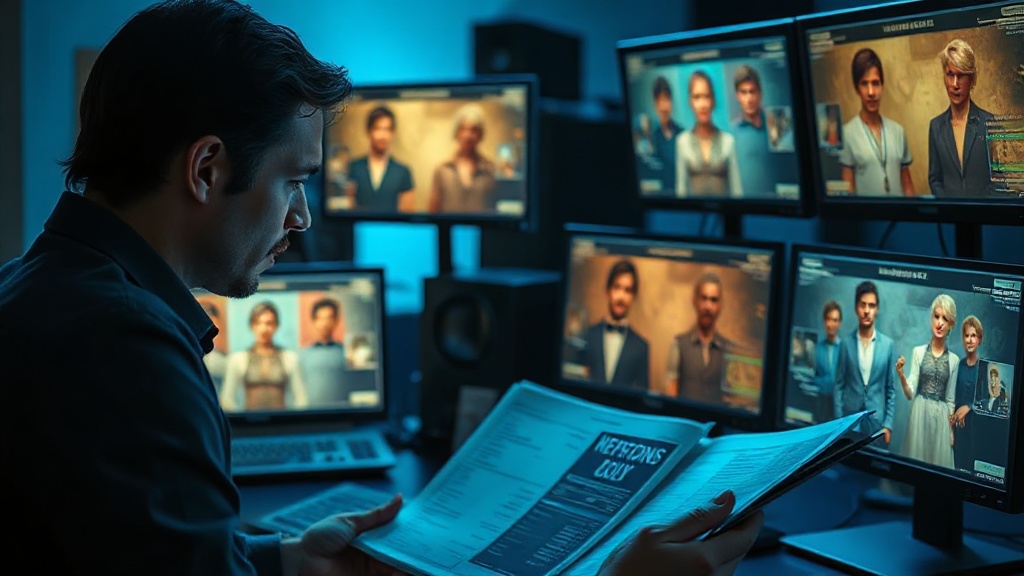
Where reference images stop working
References are the biggest practical advance in generative video, and they are not a solved problem. Knowing the failure modes saves you discovering them on a deadline.
Extreme angle changes break identity. A reference built from a front-facing portrait holds up well in similar framings and degrades as you move toward profile or a steep high angle. If your sequence needs coverage from several directions, build references from several directions.
Lighting changes read as identity changes. Move a character from soft daylight into hard side-light and the model often produces someone who looks subtly like a different person. The brain reads facial structure partly from shading, and so does the model.
Distance flattens detail. In a wide shot there are not enough pixels for the face to carry, so the model fills in. Nobody notices in a wide. They notice when you cut from that wide to a close-up and the two do not match.
Clothing drifts faster than faces. Character consistency features are trained hardest on faces. A jacket that changes cut between shots is common and easy to miss until a client points at it.
Multiple referenced characters interfere. Two people in frame, both referenced, tends to produce blending, especially if they share hair colour or build. Generate separately and composite where the shot allows.
The practical response to all of this is simple and unglamorous: build a small reference set rather than one image, keep lighting consistent across a sequence, and check every generation against the previous shot rather than against the reference. Continuity is judged between adjacent shots, which is where it actually breaks.
Prompt Architecture for Shot Consistency
The reference image handles identity. The prompt handles everything else: framing, lighting, action, emotional register. The two must work together without conflict.
Label Your References Explicitly
Using consistent image labels such as "image_1", "image_2", and "image_3" in your prompts allows Runway Gen-4 to clearly understand which inputs should influence the output, and how. This approach is essential when combining elements across different references or when compositional control is important. Labelling images explicitly improves output quality, removes ambiguity, and enables finer creative direction across multiple stages of image generation.
A strong multi-shot prompt structure looks like this:
Generate cinematic AI video, from €5.99
32 AI models. No subscription. Buy credits, generate on demand, own the results outright.
Also on Android. The AI Videos Studio app, with the same account and credits.