Building Custom AI Video Production Pipelines
Prompting does not scale. Here is the three-layer architecture I run behind AI video work, why the boring deterministic parts matter most, and where it still breaks.
 Runway
 CapCut
 InVideo
Everyone who works in AI video hits the same wall at roughly the same point. You can make one good clip. You cannot reliably make forty.
The gap between those two is not talent and it is not prompt quality. It is architecture.
Why one-off success does not scale
Here is the maths that explains the wall, and it is worth sitting with because it is unintuitive.
Suppose each step in your process works ninety percent of the time. That sounds fine. Now chain five steps together: brief, generate, select, assemble, deliver. Your end-to-end success rate is 0.9 to the fifth power, which is fifty-nine percent. Four jobs in ten fail somewhere.
Add two more steps and you are under fifty. This is why pipelines that feel fine on a single video fall apart on a series, and why "just be more careful" never fixes it. Errors compound. Care does not compound at the same rate.
The fix is not to be better at each step. It is to stop doing the deterministic steps by hand.
The three layers
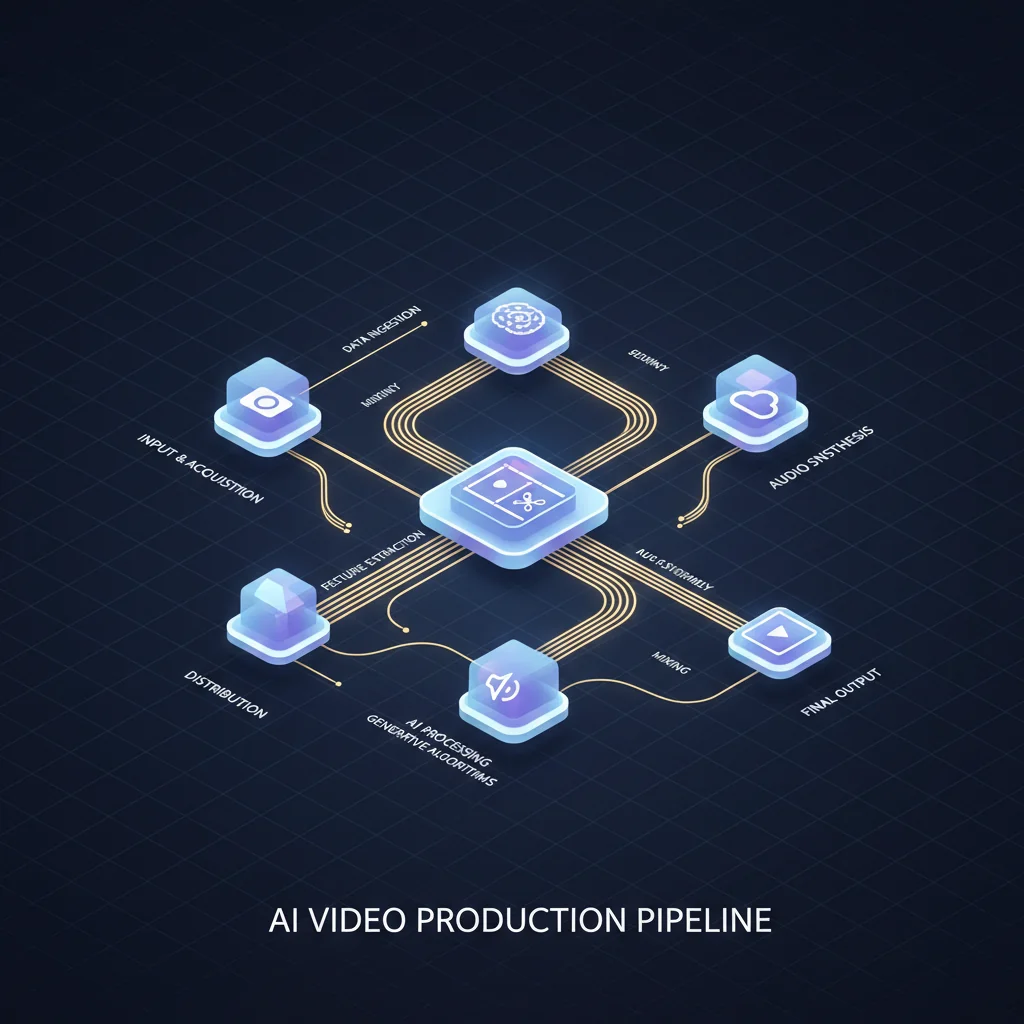
The architecture I run separates work by how much judgement it needs. Three layers, and the separation is the whole point.
Layer one: the instructions. Plain-language documents that describe a job. What the goal is, what the inputs are, what the output should look like, what to do at the known edge cases. These read like something you would hand a competent new hire. They are not code and they are not prompts. Crucially they are written down and reused, so a job done in March runs the same way in July.
Layer two: the judgement. This is the part that has to stay human, or at least human-supervised. Reading the brief, deciding the order, catching the moment something looks wrong, deciding a shot is not good enough. Choosing between four generations is judgement. There is no way to encode it and it is the part clients are actually paying for.
Layer three: the execution. Deterministic scripts. File conversion, resizing, format delivery, metadata, uploads, batch renders. Anything with a right answer that does not vary by taste.
The discipline is simple to state and hard to hold: push everything you can down into layer three. Every step you move from judgement to execution is a step that stops failing randomly.
What actually belongs in layer three
From real jobs, in rough order of how much time they save:
- Format delivery. One master, then automated exports for 16:9, 9:16 and 1:1. Doing this by hand is where whole afternoons go.
- Encoding. Web delivery has correct answers about codec, bitrate and resolution. Guessing produces either bloated files or visible artefacts.
- Asset naming and filing. Sounds trivial. It is the single most common cause of the wrong version reaching a client.
- Batch generation. Queueing twelve shots and collecting the results beats sitting with a browser tab.
- Upscaling and reframe. Tools like LTX 2.3 Reframe turn aspect-ratio conversion into a job rather than a re-edit, which I covered in the reframe guide.
None of that is glamorous. That is rather the point. The glamorous part is layer two, and layer two only gets your attention if layer three is not stealing it.
The layer that eats budgets
Generation cost belongs in this conversation because it is the thing that quietly ruins margins.
If a five-second video shot costs around 40 credits and a still costs around 3, an unstructured process that regenerates ten times per usable shot has a very different cost profile from one that regenerates twice. On a forty-shot job that difference is the entire profit.
So the pipeline needs a rule about when you stop generating and start editing. Mine is blunt: three attempts. If a shot has not worked in three, the prompt is wrong or the shot is wrong, and generating a fourth is just paying to repeat a mistake. Go back and change the brief.
Cost control is not a finance concern here. It is a creative one, because unlimited retries remove the pressure that makes you think properly about the shot.
Where this still breaks
I want to be straight about the failure modes, because pipeline posts tend to read like everything is solved.
Consistency across shots is still the hard problem. Reference images and character-consistency features have improved this a great deal, but a long sequence with the same face still needs checking shot by shot. No architecture removes that.
Model changes break assumptions silently. A provider updates a model, output shifts slightly, and your settings that were dialled in last month are subtly off. Nothing errors. It just looks a bit different, and you find out at review.
Automation hides mistakes. This is the one that bites hardest. A manual process fails loudly. An automated one cheerfully produces forty wrong files. Every automated step needs an output you actually look at, which in practice means a contact sheet or a review reel rather than trusting a green tick.
The written instructions rot. If you do not update them when you learn something, they become fiction. Every time something breaks, the fix is two jobs: fix the thing, then update the document so the next person, including future you, does not repeat it.
Start smaller than you think
If you are building this for the first time, do not design the whole system. Take the single task you repeat most often and hate most, and make that deterministic. For most people that is format delivery.
Then do the next one. A pipeline that grew from real annoyances beats a designed one, because every piece of it exists for a reason you remember.
The goal is not automation for its own sake. It is that when a client changes the brief on Thursday afternoon, the change costs you an hour instead of a weekend. That is what the architecture buys, and it is the only reason to build it.
If you would rather commission the output than build the machinery, AI video production here runs on exactly this setup, and Studio exposes the generation layer directly if you want to run shots yourself. Happy to talk through either: get in touch.
Generate cinematic AI video — from €15
Five frontier models. No subscription. Buy credits, generate on demand, own the results outright.