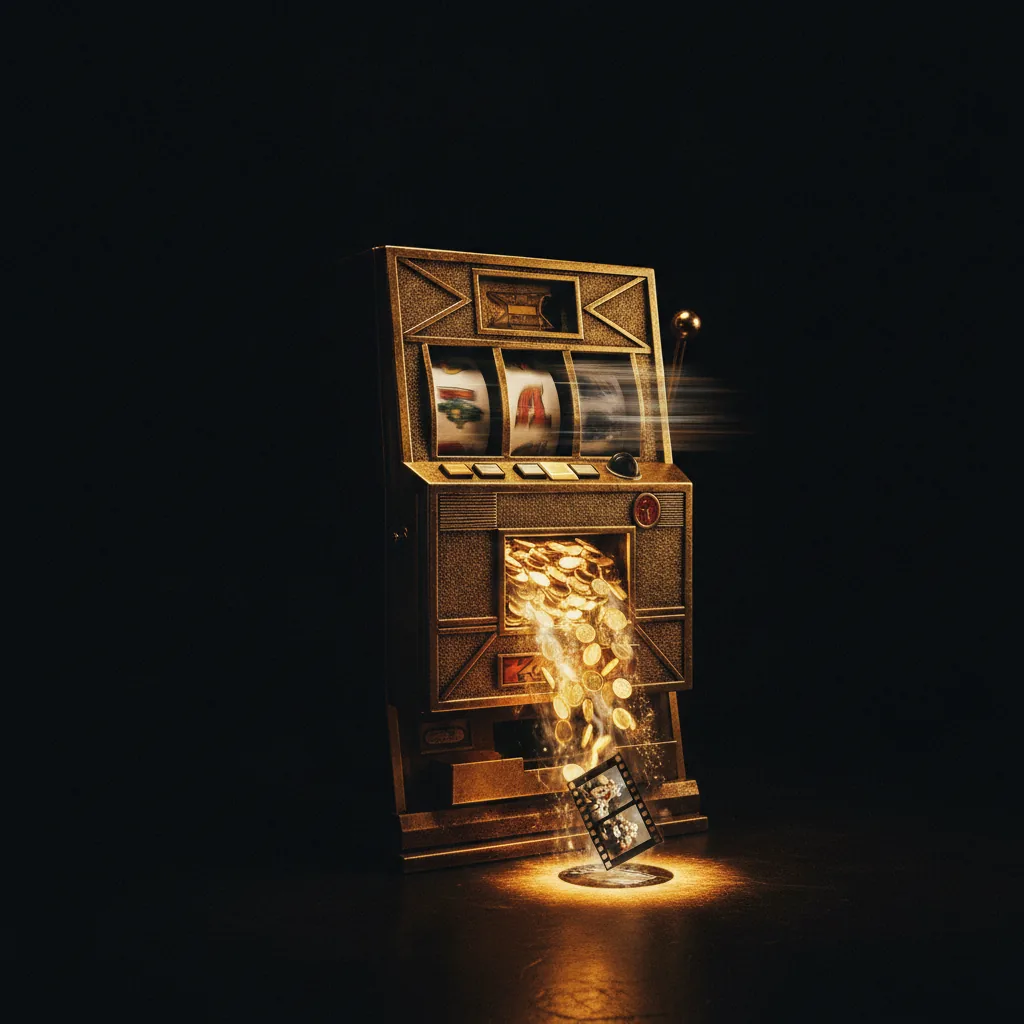
The Slot-Machine Problem
If you've used any AI video tool seriously, you know the feeling. You type a prompt, spend credits, get something almost right, tweak a word, spend more credits, get something differently wrong, and twenty generations later you're still chasing the one clip you needed - poorer, and no closer.
That's the complaint I hear more than any other, and it has a name in the community: the slot machine. You pull the lever, you pay, and you hope. Free tiers make it worse - many tools watermark their free output, so the only way to actually evaluate quality is to pay for it.
Here's the thing twenty-five years of professional editing taught me: when you're burning that many takes, the problem usually isn't the tool. It's the method. You're gambling when you should be directing. Below is how I land a usable take in two or three generations instead of twenty - and it works whether you're on Runway, Kling, or anything else.
Why Credits Actually Disappear
Before the fixes, name the causes. Wasted credits almost always come from one of five things:
- Vague prompts. You described a vibe, not a shot. The model filled the gaps with its own choices, and they weren't yours.
- No control surface. You re-rolled the whole clip hoping the camera move would change, instead of directing the camera move.
- No reference. Your character or product looked different every generation, so every clip was a fresh gamble.
- Wrong tool for the shot. You used a cinematic-control tool for throwaway volume, or a volume tool for a precise hero shot.
- Rendering expensive too early. You generated at full quality to test an idea that a cheap draft would have killed in one go.
Fix those and the spend collapses. Each one has a counter.
Fix 1 - Direct the Shot, Don't Re-Roll It
The single biggest saving is switching from re-rolling to directing. Re-rolling means changing a word and regenerating the entire clip, hoping the part you didn't like changes too. Directing means controlling the specific thing you want to change.
Tools built for this - Runway's Director Mode for camera moves and Motion Brush for painting motion into specific regions - let you fix one element without re-gambling the whole frame. You don't like the camera drift? Set the move explicitly instead of regenerating and praying. That's the difference between landing a shot on attempt three and abandoning it on attempt fifteen. We go deeper on where these controls pay off in the Runway vs Kling comparison.
Fix 2 - Lock a Reference Image First
If your subject needs to look the same across more than one clip, a reference image is non-negotiable. Generate or choose one clean master image of your character or product, then drive every clip from it. Without a reference, each generation reinvents your subject and you pay to rediscover that it drifted. With one, consistency stops being a dice roll. We broke this down in reference characters and shot consistency - it's the cheapest habit you can adopt.
Fix 3 - Prompt Like a Cinematographer
Models that were built for video respond to camera language - "slow dolly-in", "50mm portrait lens", "smooth pan right, no shake". Generic prompts ("a cool shot of a car") leave every decision to the model, which means every generation is a different guess and most of them miss. Specific, cinematographic prompts narrow the target so you hit it sooner. Our AI video prompt engineering guide has the vocabulary that actually moves results.
Fix 4 - Match the Tool to the Shot
Cost per usable second matters far more than the sticker price per credit. A cheaper tool that takes ten tries can cost more than a pricier one that nails it in two - and vice versa.
For high-volume social where character consistency matters less than throughput, Kling has the best duration-to-price ratio in the market and is the value pick - see our Kling 3 review. For precise, narrative, client-facing work, a control-first tool earns its higher credit cost back by getting you there in fewer goes. Don't use one where you need the other. The full breakdown lives in our AI video cost guide.
Fix 5 - Test Cheap Before You Render Expensive
Never burn premium credits proving an idea a draft could test. Use a tool's low-cost or exploration mode to validate the composition, then spend the expensive generation only once you know the shot works.
This is also where a multi-model hub earns its keep. Tools like Pollo AI put several engines behind one login, so you can test a shot on a cheaper model and only commit to a premium one when it's worth it - instead of paying for one expensive subscription and forcing every shot through it. For people whose real bleed is paying for the wrong engine, that flexibility is the saving.
The Zero-Waste Option: Don't Hold the Slot Machine At All
Every fix above lowers your waste rate. None of them takes it to zero, because operating the tools yourself always carries some re-roll tax while you learn each control surface.
The only way to spend zero credits chasing takes is to not pull the lever yourself. That's what we do - we've spent the last few years getting fluent in exactly these tools so the re-roll tax is ours, not yours. You hand over a brief; we deliver the footage, landed in as few takes as the shot allows. Browse the AI video gallery to see the output, see how we work in our production services, and tell us what you're making. If you were about to feed another fifty credits into a shot that keeps missing, that's usually the cheaper call.
Quick Reference
| If you're burning credits on... | Do this instead |
|---|---|
| A camera move that won't behave | Direct it explicitly (Director Mode), don't re-roll |
| A character that keeps drifting | Lock one reference image and drive every clip from it |
| Shots that "almost" work | Tighten the prompt with real camera language |
| The wrong tool for the job | Volume → Kling; precise hero shots → a control-first tool |
| Testing ideas at full quality | Draft cheap first, render premium once |
Quick Answers
Why do my AI video generations keep failing? Usually because the prompt is too vague and you're re-rolling instead of directing. Add precise camera language and use control tools to fix one element at a time rather than regenerating the whole clip.
Which AI video tool wastes the fewest credits? It depends on the shot. For volume, Kling's duration-to-price ratio is hard to beat; for precise work, a control-first tool wastes fewer credits by getting you there in fewer takes even though each costs more. Match the tool to the job.
Is there a way to avoid paying for failed renders entirely? Test on a cheap or draft mode before committing premium credits, or hand the brief to a studio that absorbs the re-roll cost and delivers finished footage.
The Bottom Line
Wasted credits are a method problem wearing a pricing costume. Direct instead of re-rolling, lock a reference, prompt like a cinematographer, match the tool to the shot, and test cheap before you render expensive - do those five things and your spend per usable clip drops sharply. And if you'd rather not run the slot machine at all, that's exactly what we're here for.
Generate cinematic AI video — from €15
Five frontier models. No subscription. Buy credits, generate on demand, own the results outright.