HappyHorse 1.1: What It Does, What It Costs, and When to Use It
HappyHorse 1.1 is Alibaba's video model for 3 to 15 second clips at 720p or 1080p, with sound generated in the same pass. It does text to video, image to video and reference to video with up to 9 images. In the Studio a 5-second clip costs 42 credits at 720p or 54 at 1080p.
HappyHorse 1.1 is a video model from Alibaba that makes clips of 3 to 15 seconds at 720p or 1080p, with sound generated alongside the picture. In the Studio a 5-second clip costs 42 credits at 720p or 54 at 1080p.
It is not the cheapest model in the Studio and it is not the longest. What it offers is a tidy middle ground: three ways in, nine aspect ratios, and audio you do not have to ask for.
HappyHorse 1.1 at a Glance
- Maker: Alibaba.
- Length: 3 to 15 seconds, in whole seconds. Default 5.
- Resolution: 720p or 1080p.
- Sound: yes, always on. There is no audio switch.
- Modes: text to video, image to video (one start frame) and reference to video (1 to 9 images).
- Aspect ratios: 16:9, 9:16, 1:1, 4:3, 3:4, 21:9, 9:21, 5:4 and 4:5.
- Studio price: from 25 credits for 3 seconds at 720p to 162 credits for 15 seconds at 1080p.
What Changed in Version 1.1?
Three things, all visible in the API the Studio runs on. Version 1.1 adds an image-to-video mode, which the earlier version did not have. It adds reference-to-video, which takes up to 9 images of a subject. And it widens the aspect ratios from five to nine, adding 21:9, 9:21, 5:4 and 4:5.
It also made 1080p cheaper relative to 720p. At 1080p a clip now costs about 1.3 times the 720p price, where the earlier version charged double.
How Do the Three Modes Work?
Text to video is the plain prompt. Pick a length, a resolution and any of the nine aspect ratios.
Image to video animates one start frame. The clip takes its shape from your image, so there is no aspect ratio to choose. There is no end-frame slot either, which means you cannot pin where the shot lands. If the final frame matters, use a model with an end frame, such as Wan 3.0.
Reference to video is the more interesting mode. Upload 1 to 9 images of a character or a product and describe the scene. The images tell the model what the subject looks like rather than which frame to start on, so you keep the full aspect ratio choice. This is the mode for keeping a face or a pack shot consistent across several clips.
What Does HappyHorse 1.1 Cost?
Prices from the Studio's live price table on 2 November 2026. HappyHorse 1.1 is billed per second, and the rate is the same in all three modes.
| Length | 720p | 1080p |
|---|---|---|
| 3 seconds | 25 credits | 32 credits |
| 5 seconds | 42 credits | 54 credits |
| 10 seconds | 84 credits | 108 credits |
| 15 seconds | 126 credits | 162 credits |
The step up to 1080p is small. For anything you plan to deliver, 1080p is worth the extra 12 credits on a 5-second clip. Test the idea at 3 seconds and 720p first, for 25 credits, then render the keeper.
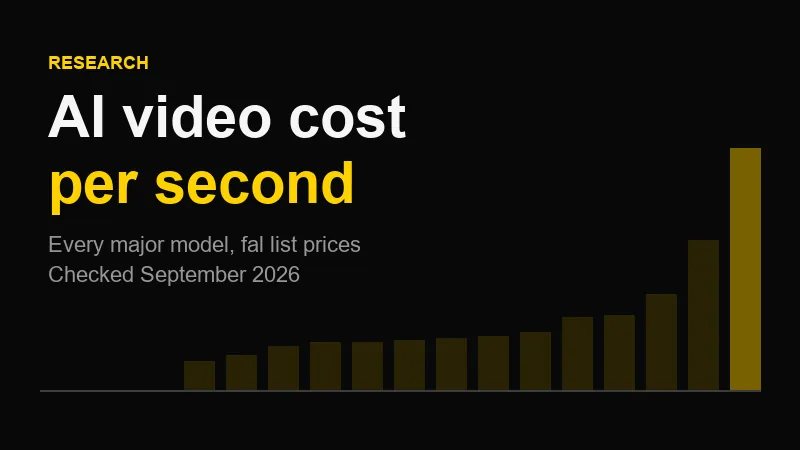
For the per-second picture across every model, see our cost-per-second research.
HappyHorse 1.1 vs Wan 3.0: Which Should You Use?
Both come from Alibaba and both generate sound with the picture. The Studio prices are what separate them.
| HappyHorse 1.1 | Wan 3.0 | |
|---|---|---|
| Length | 3 to 15s | 2 to 30s |
| Top resolution | 1080p | 1080p |
| End frame | No | Yes |
| Reference images | Up to 9 | Up to 10 |
| 21:9, 9:21, 5:4, 4:5 | Yes | No |
| 5s at 720p | 42 credits | 25 credits |
| 5s at 1080p | 54 credits | 50 credits |
| 15s at 1080p | 162 credits | 150 credits |
At 720p Wan 3.0 is much cheaper. At 1080p the gap almost closes. So my rule is simple: draft on Wan 3.0, and reach for HappyHorse 1.1 when the format or the subject demands it. A 21:9 cinematic frame or a 4:5 feed ad are the cases where it earns the extra credits, because Wan 3.0 cannot render either.
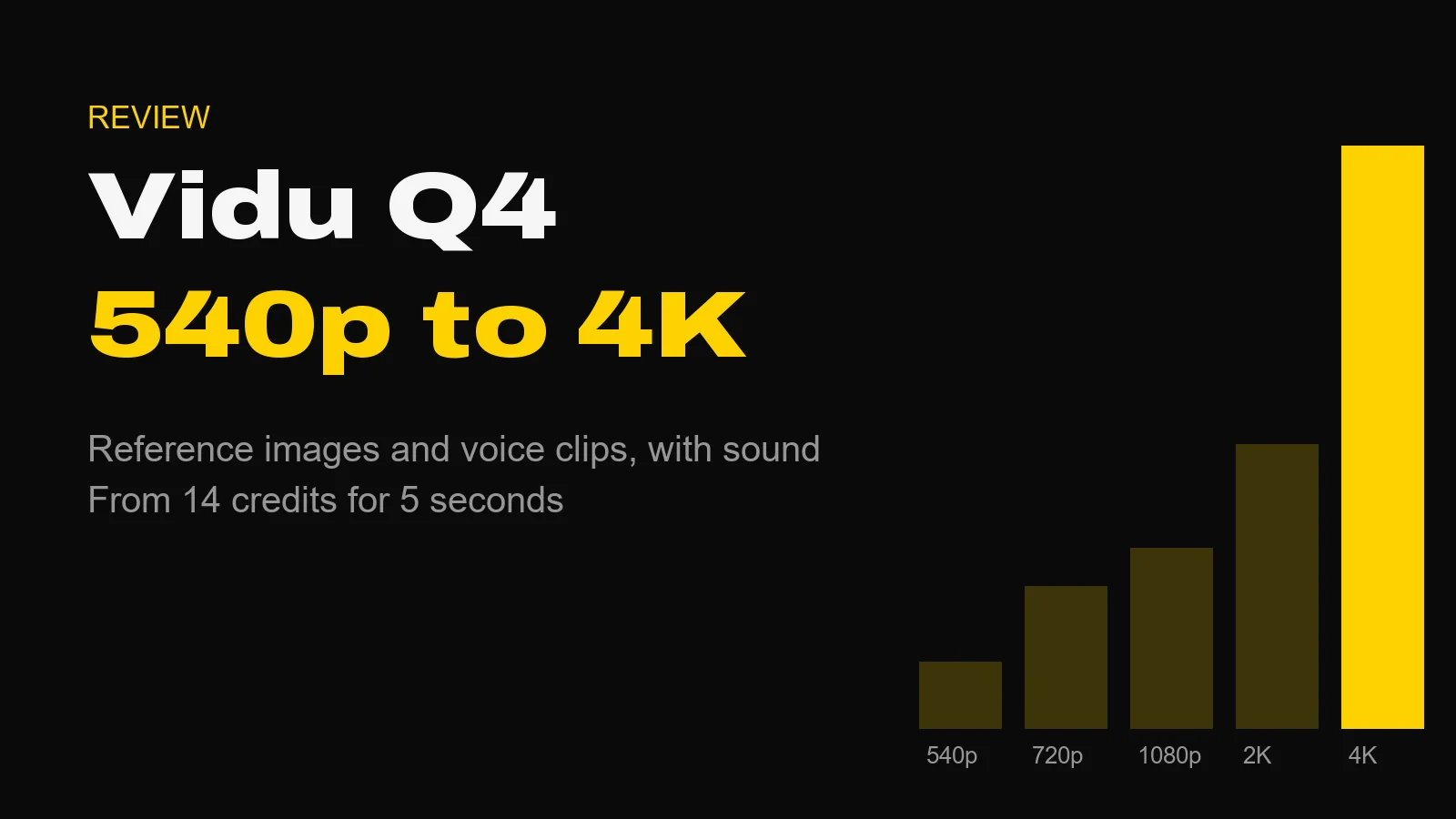
If you need longer than 15 seconds in one pass, Wan 3.0 or Seedance 2.5 are the options. If you are building a cast from reference images and voice clips, compare Vidu Q4.
How to Brief It
- Write the sound into the prompt. Audio is always generated, so say what you want to hear: rain on glass, a crowd, silence apart from footsteps. Leave it out and the model guesses.
- One action per clip. Fifteen seconds holds one clear beat well. Three beats usually blur.
- Name your references. In reference mode, say which image is the subject and what it is doing.
- Direct the camera. Height, lens and movement. "Low dolly left at 35mm" is a direction; "cinematic" is not.
- Choose the ratio for the delivery, not the test. 4:5 for a feed, 9:16 for Stories, 21:9 for a title sequence.
What We Have Not Tested
We have not run HappyHorse 1.1 through a controlled prompt set against other models, so this post makes no quality ranking. Everything above comes from the model's API schema and the Studio's price table. When we test it, the results will go here.
Questions About HappyHorse 1.1
What is HappyHorse 1.1? HappyHorse 1.1 is a video generation model from Alibaba. It makes clips of 3 to 15 seconds at 720p or 1080p, with sound generated in the same pass, from a text prompt, a start frame or up to 9 reference images.
How much does HappyHorse 1.1 cost? In the AIVideos Studio a 5-second clip costs 42 credits at 720p or 54 credits at 1080p. The shortest clip, 3 seconds at 720p, costs 25 credits, and the longest, 15 seconds at 1080p, costs 162. The price is shown before you generate.
How long can HappyHorse 1.1 videos be? From 3 to 15 seconds, in whole seconds. The default is 5 seconds.
Does HappyHorse 1.1 have audio? Yes. HappyHorse 1.1 generates synced sound with every clip. There is no switch to turn it off, so plan to replace or mute the track in the edit if you only want the picture.
Should I use HappyHorse 1.1 or Wan 3.0? For most shots, Wan 3.0. It is cheaper at every length we can compare (25 credits against 42 for 5 seconds at 720p) and runs up to 30 seconds. HappyHorse 1.1 earns its place when you need a format Wan 3.0 does not offer: 21:9, 9:21, 5:4 or 4:5.
Where to Start
Open the Studio, pick HappyHorse 1.1, and render 3 seconds at 720p for 25 credits. If the motion and the sound are right, re-render at 1080p and full length. If you would rather hand the whole campaign to a director, that is what our production services are for.
Generate cinematic AI video, from €5.99
36 AI models. No subscription. Buy credits, generate on demand, own the results outright.
Also on Android. The AI Videos Studio app, with the same account and credits.