GPT Image 2.5: Flare vs Sunburst, and What Each One Actually Costs
OpenAI split GPT Image 2.5 into two variants: Flare for speed, Sunburst for precision editing. Both bill by tokens, but output tokens are fixed per quality tier, so the real cost is knowable. Verified 10 September 2026.
Correction, 10 September 2026. The first version of this post said GPT Image 2.5 could not be priced per image, and that it would therefore stay out of the Studio until we ran paid tests. That was wrong. Output tokens are fixed per quality tier, so the cost is straightforward arithmetic against the provider's published rate, and the published per-tier figures reconcile against it exactly. The pricing sections below are rewritten rather than quietly deleted. The original caution came from reading "billed by tokens" as "unpredictable", which it is not.
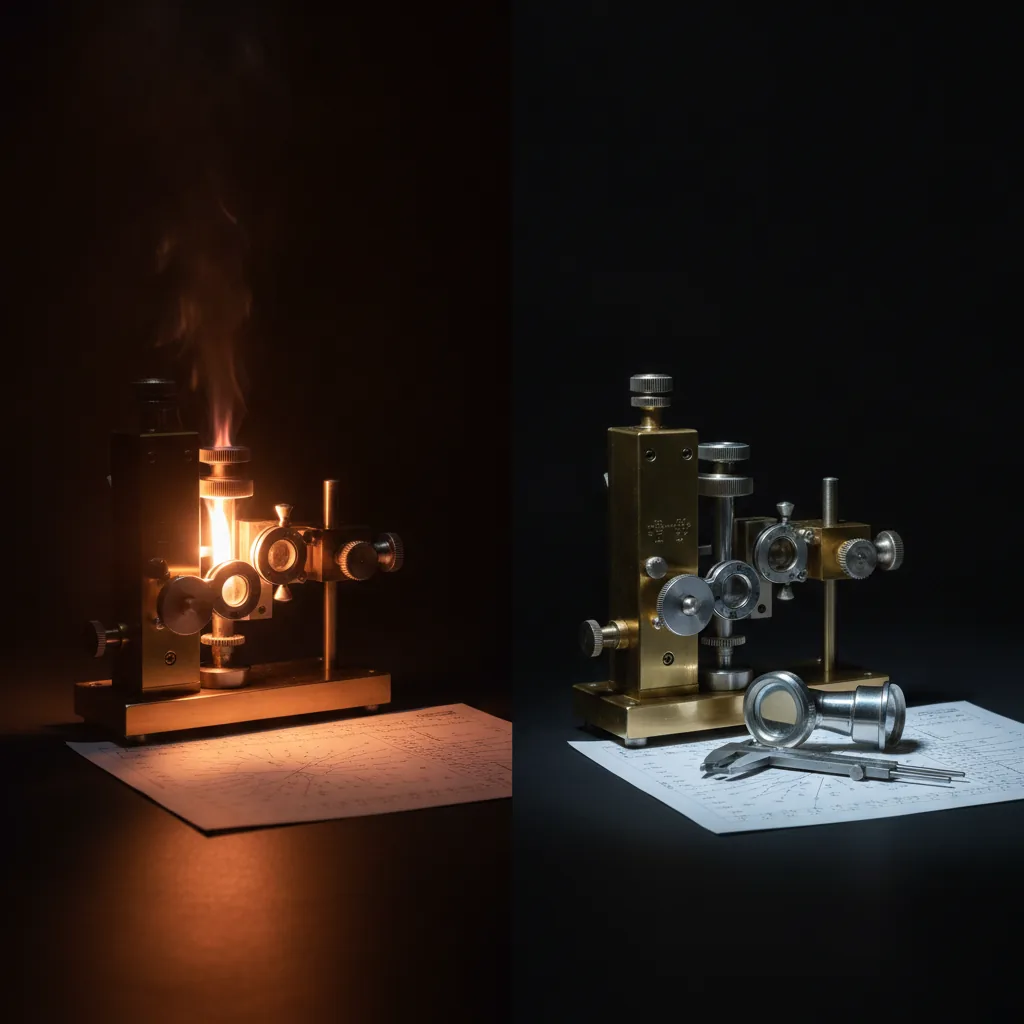
OpenAI did something unusual with GPT Image 2.5. Instead of one model replacing the last one, they shipped two, and made you choose.
Both are live, and both run in the Studio, where a free account can try them (see the best free AI image generators in 2026 for how that compares). The choice between them is genuinely a choice, not a quality ladder where one is simply better, and the cost is lower than the model they succeed.
The Short Version
Flare is the everyday one. It is the direct successor to GPT Image 2 for general work, and OpenAI's headline claim is up to 50% lower latency than the model it replaces. If you are generating a batch of images and want them back quickly at good quality, this is the default.
Sunburst is the careful one. It is built for edits where exactly one thing should change and everything else must survive untouched. Swap the background behind a product while the product itself stays pixel-identical. Rewrite the labels on a diagram without redrawing the diagram. Change the headline on a campaign layout while the composition holds. It takes longer per image, deliberately.
That is the whole decision. Speed, or control over a constrained edit.
What They Share
Both variants run the same resolution ladder:
- 1024×768, 1024×1024, 1024×1536
- 1920×1080
- 2560×1440
- 3840×2160
And the same five quality tiers: low, medium, high, xhigh, max. Sunburst defaults to high. That is the provider's full menu; what our Studio exposes is narrower, and the Studio section further down sets it out.
Both also ship a text-to-image endpoint and a separate edit endpoint, which is what makes Sunburst's precision claim meaningful rather than marketing. The edit path is where a model either holds the untouched parts of an image steady or quietly redraws them, and that is the thing Sunburst is tuned to get right.
Which One To Reach For
Use Flare when the image is the deliverable and you want it now. Concept frames, social assets, batch work, anything where you will generate several options and pick one. The latency difference is the point.
Use Sunburst when the image already exists and you need a surgical change to it. Product photography where the item cannot shift. Anything with text in it that has to stay legible and correctly placed. Work where a second attempt costs you more than the extra generation time does.
If you are starting from a blank prompt rather than an existing image, Flare is almost always the right call. Sunburst's advantage lives in the edit path.
There is a sensible pattern that falls out of this, though it is inference from how the two models are documented rather than anything OpenAI prescribes: explore wide in Flare, pick your direction, then move the precision-sensitive refinement to Sunburst. You pay the slower model's time only on the one frame that earned it. That is the same iterate-cheap-then-commit shape that already works well for stills into video, and it is how we would use the pair.
The Pricing Problem That Was Not One
Both variants bill by tokens, not per image. The published rates are identical for each:
| Input | Cached input | Output | |
|---|---|---|---|
| Text tokens (per 1M) | $5.00 | $1.25 | $10.00 |
| Image tokens (per 1M) | $8.00 | $2.00 | $30.00 |
Token rates are not a price per image, and the provider's pricing notes that longer prompts, more complex requests and larger images all cost more. That sounds like it should make the cost unpredictable. It very nearly does.
But the output token count is fixed per quality tier, and that turns the whole thing back into arithmetic. At 1024×1024:
| Quality | Output tokens | Cost per image |
|---|---|---|
| low | ~196 | $0.00588 |
| medium | ~439 | $0.01317 |
| high (endpoint default) | ~1,756 | $0.05268 |
| xhigh | ~3,122 | $0.09366 |
| max | ~7,024 | $0.21072 |
Every figure there reconciles exactly against the published $30 per million output tokens. Native 4K under high quality scales toward roughly $0.41.
It is still a thirty-six-fold spread from low to max, which is why the tier matters more here than on most models. But it is a knowable spread, and that is the difference between a model we can sell and one we cannot.
What About The Prompt?
This is the part that sounds alarming and mostly is not.
Prompt text bills at $5 per million input tokens. Two thousand characters is roughly 500 tokens, which is a quarter of a cent. Against a high generation that is a 4.7% increase. Against xhigh, 2.7%. Against max, 1.2%.
It only becomes proportionally significant at the cheapest tiers, where a long prompt can add 40% to a low generation, and even there you are arguing about fractions of a penny. The image output dominates everything. Write the long prompt.
What It Costs Against The Model It Replaces
Cheaper, which was the genuine surprise.
At fal's published rates (1024 x 1024, checked 12 October 2026), GPT Image 2 costs $0.053 an image at medium and $0.211 at high. GPT Image 2.5 at high costs $0.053, and high is the endpoint's default tier: the newer model at its default costs the same as GPT Image 2 at medium, and a quarter of GPT Image 2 at high. For every version from GPT Image 1 to 2.5 side by side, see GPT Image versions, prices and free access.
Flare and Sunburst share one published rate. What Sunburst spends is your time, not more money.
Is GPT Image 2.5 in AI Videos Studio?
Yes. Both variants are live in our Studio, on one tile with a Flare or Sunburst switch, and they cost the same:
| Studio tier | Provider tier | Credits per image |
|---|---|---|
| Standard | medium | 3 |
| High | high | 5 |
| Ultra | xhigh | 8 |
Two of the provider's five tiers are deliberately left out. low looks visibly worse than the small saving is worth, and max costs about four times high for a difference most briefs will not see, so offering it mainly creates expensive mistakes.
The rest of the setup, as the Studio runs it:
- Shape, not pixel size. You choose 16:9, 9:16, 1:1, 4:3 or 3:4.
- Up to four images per batch, each billed at the tier price.
- Edits take up to four input images. The first is included; each extra one is 1 credit, because the provider bills every uploaded image as input tokens.
- PNG by default, with JPEG and WebP available.
The Render Ledger lists the provider cost and the credit price of every image tier on the roster, GPT Image 2.5 included, if you want to see where it sits against Nano Banana or Flux 2.
One Rule Worth Stating
We price every model against the provider's published rate before switching it on. A model whose cost we cannot verify is a model we might be selling below cost, so it does not ship, however good the launch reel is.
That rule kept Seedance 2.5 out of the Studio for weeks earlier this year, while its endpoint existed and its published rate did not. A public rate appeared on 20 July, we verified it on 3 August, and 2.5 has been live ever since. The rule is not a way of avoiding models. It is the thing that decides when one is ready.
Here the rate was published all along. It just needed converting out of tokens into something that can go on a button.
One honest limit on this post. We have verified the endpoints, the resolutions, the tiers and the published token rates. We have not run a real brief through either variant. Nothing above is a quality verdict, and the Flare-versus-Sunburst guidance reflects what OpenAI and the API documentation say about each model's design, not our own side-by-side test. When we have run one properly, this post gets the results.
Generate cinematic AI video, from €5.99
34 AI models. No subscription. Buy credits, generate on demand, own the results outright.
Try GPT Image on your phone. The AI Videos Studio app, with the same account and credits.