OmniHuman v2: Turn One Portrait and a Voice Track Into a Talking Video
OmniHuman v2 is ByteDance's avatar model: give it one image of a person and an audio track, and it makes a video of that person speaking or singing it, with gestures and camera movement. In the Studio it costs 7.5 credits per second of audio, 75 credits for a 10-second clip, for tracks of 4 to 60 seconds. What it does, what changed from 1.5, and how to get a good result. Checked on 23 October 2026.
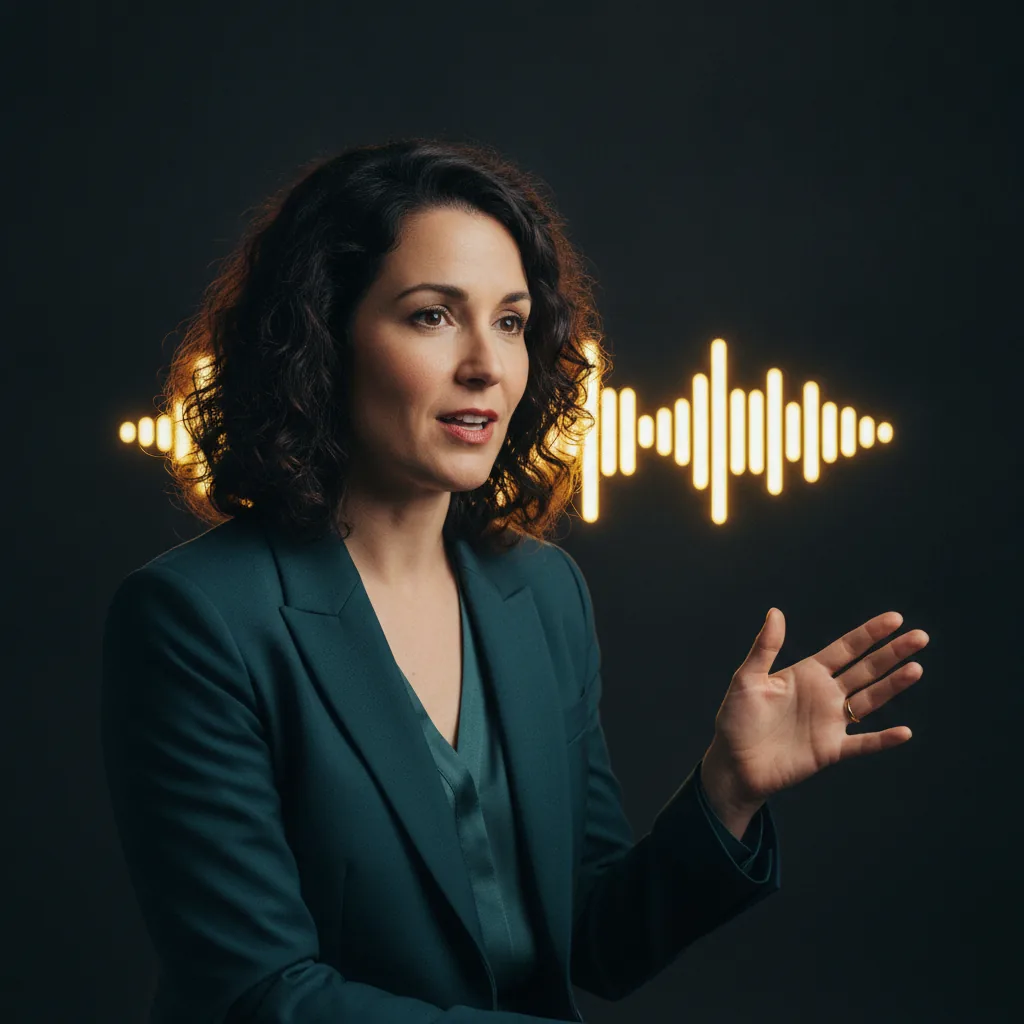
OmniHuman v2 takes two things: one image of a person and an audio track. It returns a video of that person performing the track, speaking or singing, with the lips, face, hands and body moving to it. An optional prompt directs the scene and the camera. In the Studio it costs 7.5 credits per second of audio, so a 10-second clip is 75 credits.
It is ByteDance's model, sold to businesses through BytePlus as OmniHuman 2.0. This guide covers what it is good for, where it stops, and how to get a result that reads as a performance rather than a talking photograph. That difference is everything.
The Short Version
- Maker: ByteDance, offered through BytePlus as OmniHuman 2.0.
- Inputs: one portrait image, one audio track (MP3 or WAV), and an optional text prompt.
- Length: set by your audio. 4 to 60 seconds in the Studio.
- Resolution: native 720p, according to BytePlus.
- Studio price: 7.5 credits per second of audio. 75 credits for 10 seconds, 450 for a minute.
- Where: web Studio only for now. The app has no audio upload yet.
What It Is For
BytePlus describes OmniHuman 2.0 as a "highly dynamic motion avatar video generation model". Motion is the point. The older generation of talking-photo tools moved a mouth and a little of the head. This model is built for the whole performance: gesture, emotion that follows the audio, singing, and more than one person in frame.
BytePlus lists the uses plainly: e-commerce, advertising, brand marketing, short video, film and TV, music videos and user-generated content. In practice, the jobs I would hand it are:
- A spokesperson clip from a brand portrait and a recorded voice-over.
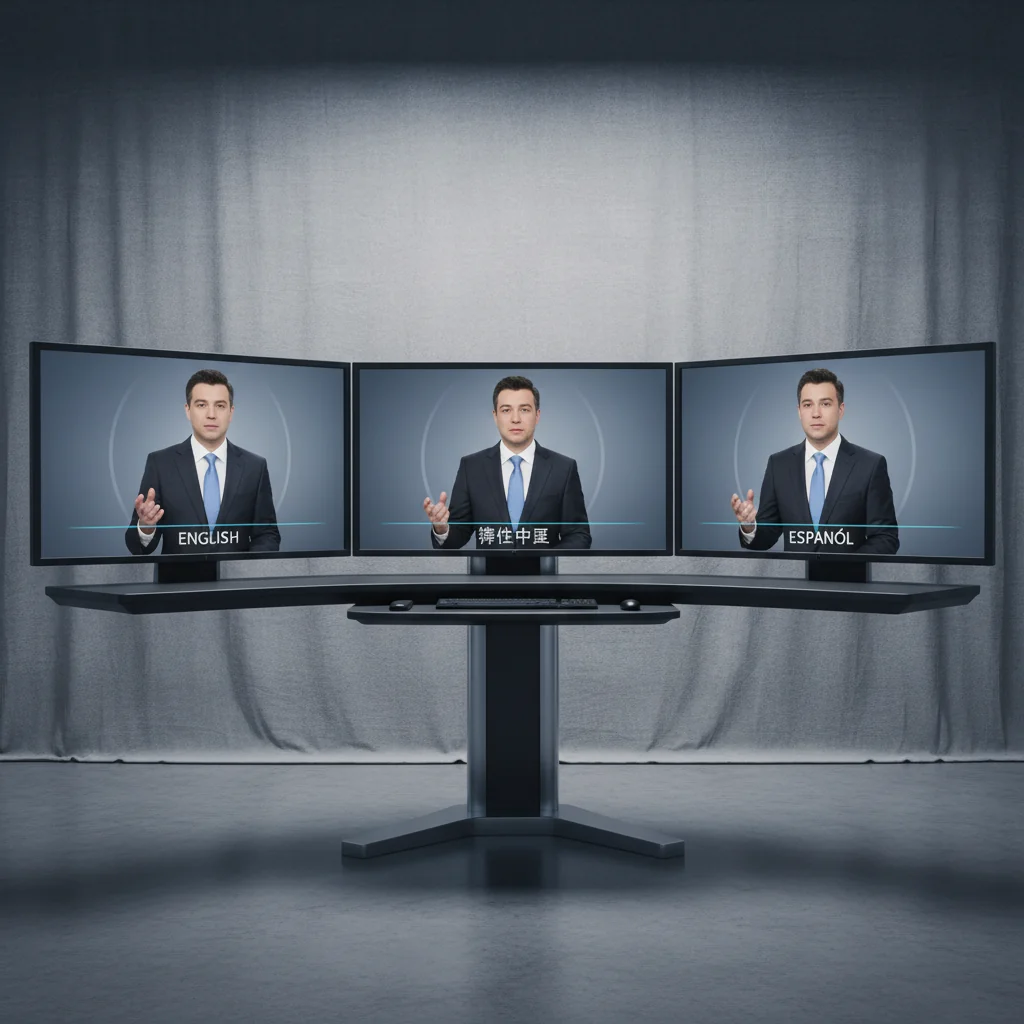
- Multilingual versions of one presenter, one track per language.
- A music or lyric performance from a character still.
- Training and onboarding videos where a consistent presenter matters more than a camera crew.
What Changed From OmniHuman 1.5
Reading the two versions' API schemas side by side:
| OmniHuman 1.5 | OmniHuman v2 | |
|---|---|---|
| Inputs | image, audio, prompt, optional mask | image, audio, prompt |
| Output resolution option | 720p or 1080p | none, 720p native |
| Turbo mode | yes | no |
| Speaker mask | yes, to pick who speaks | no |
| Audio length | under 60 seconds at 720p, under 30 at 1080p | 4 to 300 seconds |
So v2 trades some controls for a much longer single take and, by BytePlus's account, far more expressive movement. That 1080p switch is the real loss. For a broadcast or a large screen, plan an upscale as part of the job rather than discovering it at delivery.
How It Works in the Studio
Pick OmniHuman v2 in the video models, then:
- Add the portrait in the image slot. This is required.
- Upload the audio in the audio slot. MP3 or WAV, 4 to 60 seconds. Its length sets the video's length.
- Write a short prompt about the scene, the movement and the camera.
- Generate. The Studio reads the real length of your track, works out the price and shows it before anything is charged.
You supply the voice. You bring the audio, which is exactly how it should be: the voice is the part a client signs off on, so it should be recorded or approved before any video is made.
What It Costs
Credits per clip, from the Studio's live price table:
| Audio length | Credits |
|---|---|
| 4 seconds | 30 |
| 10 seconds | 75 |
| 30 seconds | 225 |
| 60 seconds | 450 |
There are no resolution tiers to choose, so the length of your track is the only thing that moves the price. Trim the silence off the start and end before you upload. Easiest saving there is.
Getting a Convincing Result
The portrait does most of the work. Choose it carefully. Use one clear image of one person, face visible, lit evenly, at a resolution well above the 300-pixel minimum the model accepts. A head-and-shoulders or waist-up framing gives the hands and body room to move. A tight crop leaves the model nothing to animate but the face.
Record the audio properly. A clean, naturally paced read with no music bed under it gives the lip sync the clearest signal. If the final needs music, add it in the edit afterwards.
Keep the prompt to what it controls. The model's own documentation says the prompt is for "precise control of the scene, movements and camera". So write things like "slow push-in, she gestures with her right hand on the key line, office background softly out of focus". Do not describe the voice or the words. The audio already decides both.
Write the prompt in a supported language. The schema lists Chinese, English, Japanese, Korean, Mexican Spanish and Indonesian.
OmniHuman v2 or Another Audio Model?
The Studio has three models that work from your audio, and they do different jobs:
- OmniHuman v2 (7.5 credits per second): you have a still of a person and want them to perform the track.
- VEED Lipsync v2 (4.2 credits per second): you already have video of a person and want them to say something new.
- LTX 2.5 Audio to Video (9 credits per second): you want visuals timed to a track, not necessarily a person speaking it.
If the person already exists on camera, relipping is cheaper and keeps their real performance. If all you have is a photo, OmniHuman is the right tool. That is the whole decision.
Consent Comes First
A model this convincing raises an obvious question, so here is my rule, and the Studio's terms say the same. Only animate a person who has agreed to it, with a voice you have the right to use. For client work, that means written consent from the presenter for both the likeness and the voice before anything is generated. It protects the client, the presenter and you. No exceptions.
What We Have Not Tested
We have not yet run OmniHuman v2 on a controlled set of portraits and tracks, so this guide makes no quality claims of its own. The capability descriptions above are BytePlus's, and the limits are from the model's published API schema. A third-party write-up of the launch mentions weak spots in the demo footage, such as teeth and some syllable-to-mouth matching. Treat that as a reason to watch your own first render closely, not as a verdict.
Questions About OmniHuman v2
What is OmniHuman v2? OmniHuman v2 is ByteDance's avatar video model, sold to businesses through BytePlus as OmniHuman 2.0. It takes a single image of a person plus an audio track and makes a video of that person performing the audio, with lip sync, gestures, emotion and camera movement. An optional text prompt steers the scene, the movement and the camera.
How much does OmniHuman v2 cost? In the AIVideos Studio, OmniHuman v2 costs 7.5 credits per second of audio: 30 credits for 4 seconds, 75 credits for 10 seconds, 225 for 30 seconds and 450 for a full minute. The Studio measures the length of your uploaded track itself before it charges.
How long can an OmniHuman v2 video be? The video is as long as your audio. The model accepts tracks of 4 to 300 seconds, and the Studio takes tracks of 4 to 60 seconds, which keeps a single job to at most 450 credits.
What resolution is OmniHuman v2? BytePlus states native 720p output. Version 1.5 offered a 1080p option, and version 2 does not, so for a 1080p or 4K delivery the clip needs an upscale afterwards.
Can I use OmniHuman v2 in the AIVideos app? Not yet. OmniHuman v2 needs an audio upload, which the Android app does not offer, so for now it is on the web Studio only.
Sources
All checked on 23 October 2026.
- BytePlus, OmniHuman product page (model description, native 720p, gesture and camera control, multi-person scenes, use cases)
- The model's API page and API schemas for OmniHuman v2 and OmniHuman 1.5 (inputs, image and audio limits, prompt languages, the 1.5 controls v2 drops)
- each::labs, OmniHuman 2.0: five minutes from one photo, and MindStudio, ByteDance OmniHuman 2.0 (third-party launch coverage)
- Studio prices: the Studio's live price table, 23 October 2026
Make the First One
Open the Studio, pick OmniHuman v2, add a clear portrait and a 10-second voice clip, and write one line about the camera. It costs 75 credits and shows you in one render how far a single photo can go. If you need a presenter built properly, with the voice, the look and the consent handled for you, that is part of our AI avatar and voiceover service.
Generate cinematic AI video, from €5.99
34 AI models. No subscription. Buy credits, generate on demand, own the results outright.
Also on Android. The AI Videos Studio app, with the same account and credits.