How Long Can AI Videos Be? Every Model's Limit in 2026
The longest single AI video generations now run to 30 seconds: Seedance 2.5, Wan 3.0 and Kling 4.0 all reach it. Most other models stop at 10 to 16 seconds. Here is every limit in the Studio's roster, what a long take costs, and how to build a minute or more. Checked against the Studio's live model registry on 19 October 2026.
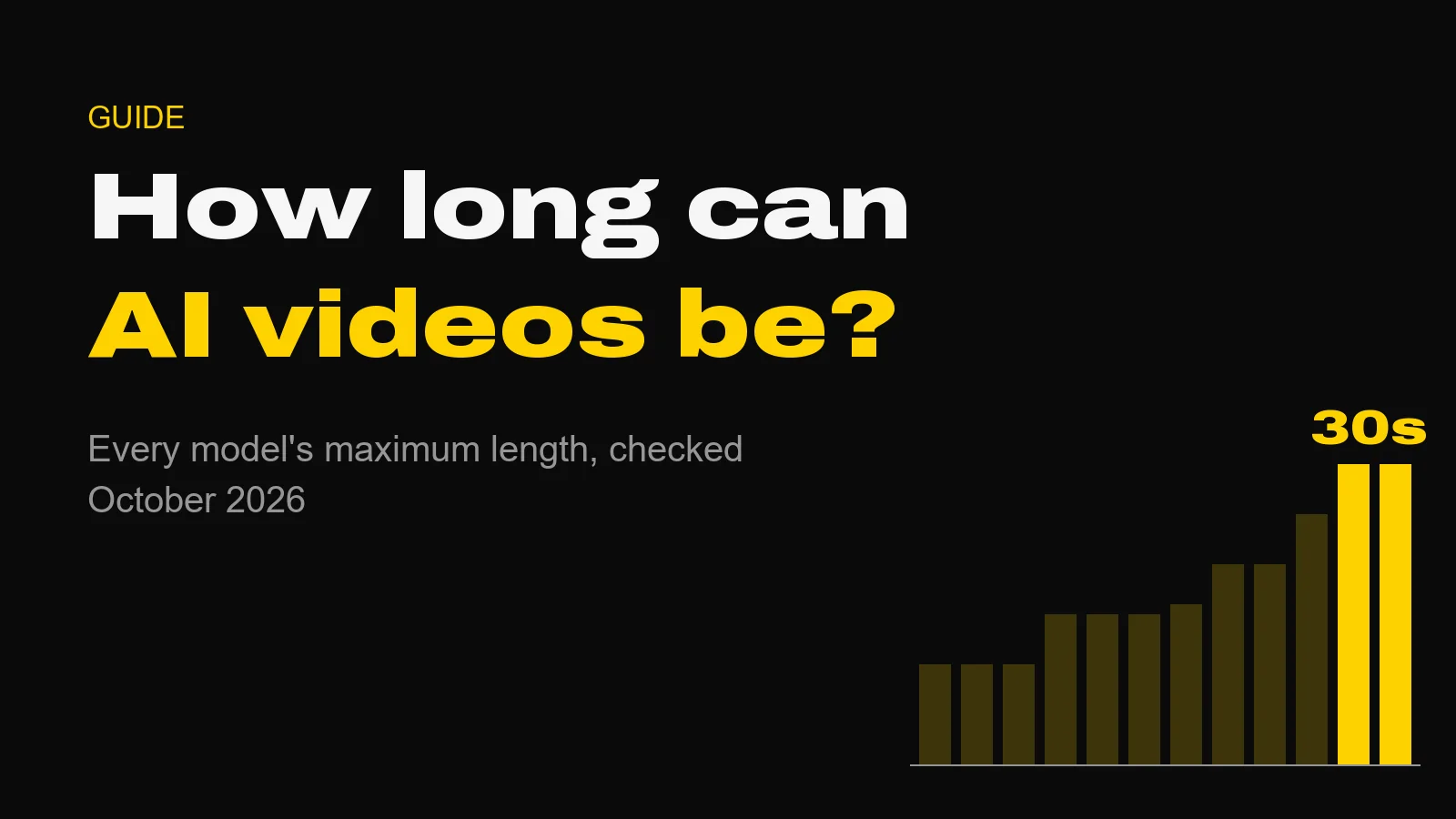
In one generation, an AI video can now run to 30 seconds. Seedance 2.5 and Wan 3.0 both reach it in the Studio, and Kling 4.0 reaches it on Kling's own platform. Most other current models stop between 10 and 16 seconds. Anything longer is built: extended, chained or cut together.
Not long ago the honest answer was "about ten seconds". That has changed fast, and it changes what you can attempt in a single take. It does not change how good films are made, which is shot by shot.
The Short Version
- 30 seconds: Seedance 2.5, Wan 3.0, Wan 3.0 Prime, Kling 4.0.
- 20 to 25 seconds: Pika 2.2 Pikaframes (25), Flux 3 (20), LTX 2.5 Fast (20, at 720p or 1080p).
- 15 to 16 seconds: Vidu Q4 (16), Seedance 2.0, MiniMax H3, HappyHorse 1.1 (all 15).
- 10 seconds or less: Gemini Omni Flash, LTX 2.5 Pro, Pika 2.2 (all 10).
- Longer than 30 seconds: extend a clip, or chain several.
Every Model's Maximum Length
These are the limits for one generation, read from the Studio's model registry on 19 October 2026. The price column is the cost of the longest clip at the model's lowest resolution, because that is the cheapest way to test whether a long take works at all.
| Model | Length per clip | Top resolution | Sound | Longest clip, lowest tier |
|---|---|---|---|---|
| Seedance 2.5 | 4 to 30s | 1080p | Yes | 397 credits (30s, 480p) |
| Wan 3.0 | 2 to 30s | 1080p | Yes | 75 credits (30s, 480p) |
| Wan 3.0 Prime | 2 to 30s | 1080p | Yes | 102 credits (30s, 480p) |
| Pika 2.2 Pikaframes | 5 to 25s | 1080p | No | 75 credits (25s, 720p) |
| Flux 3 | 5 to 20s | 1080p | Yes | 72 credits (20s, draft) |
| LTX 2.5 Fast | 6 to 20s | 4K | Yes | 140 credits (20s, 720p) |
| Vidu Q4 | 3 to 16s | 4K | Yes | 45 credits (16s, 540p) |
| Seedance 2.0 | 4 to 15s | 4K | Yes | 123 credits (15s, 480p) |
| MiniMax H3 | 5 to 15s | 4K | Yes | 60 credits (15s, 768p) |
| HappyHorse 1.1 | 3 to 15s | 1080p | Yes | 126 credits (15s, 720p) |
| Gemini Omni Flash | 3 to 10s | 4K | Yes | 18 credits (10s, 360p) |
| LTX 2.5 Pro | 6 to 10s | 1080p | Yes | 90 credits (10s, 720p) |
| Pika 2.2 | 5 or 10s | 1080p | No | 30 credits (10s, 720p) |
Two notes on the table. LTX 2.5 Fast reaches 20 seconds only at 720p or 1080p and 24 or 25 frames per second; at 1440p and 4K it stops at 10. And Pikaframes is a keyframe mode: you give it 2 to 5 images and it moves between them, sharing the length evenly across each pair.
Kling 4.0 is not in the table because it does not run in our Studio. On Kling's platform it makes clips of 3 to 30 seconds at up to 4K, and the faster Kling 4.0 Flash stops at 20 seconds and 720p. Our Kling 4.0 post has the detail.
The Three 30-Second Models, Compared
If length is the reason you are here, these are the three to choose between.
Wan 3.0 is the cheapest 30-second take we can price: 75 credits for 30 seconds at 480p, 150 at 720p, 300 at 1080p. It generates sound and takes a start and an end frame. For a test of whether a long take is the right idea, start here.
Seedance 2.5 costs far more per second, 852 credits for 30 seconds at 720p, and earns it on references. It takes up to 30 reference images, 10 reference clips and 10 audio files, which is what you need when a recurring character has to look and sound the same across a long scene.
Kling 4.0 is the only one of the three that reaches 4K, and the only one with up to 10 keyframes across the clip. It has no public per-clip price yet and no API.
Is a Longer Clip Actually Better?
Usually not. This is the point most length comparisons skip.
A 30-second take is one camera position, one lighting set-up and one continuous performance, generated in a single roll of the dice. If one second of it goes wrong (a hand melts, a face drifts, the camera wanders) you pay for all 30 again. Five 6-second shots give you five chances to get each moment right, and an editor who can choose.
Look at any commercial you admire and count the cuts. There are lots. The long single take is a deliberate stylistic choice, not the default. Use 30 seconds when the shot genuinely needs it: a walk-and-talk, a continuous product reveal, a slow drone move that has to hold.
The other cost is drift. It grows with length. The longer the clip, the more room the model has to forget what it started with. References help, and so does a start frame. Test long takes at the lowest tier before you commit credits to 1080p.
How to Make an AI Video Longer Than 30 Seconds
There are three practical routes, and most finished pieces use more than one.
1. Chain clips with frames. Take the final frame of one clip and use it as the start frame of the next. Models with a start-and-end-frame option (Wan 3.0, Seedance 2.5, Flux 3 and others) let you pin both ends, so two 30-second Wan 3.0 takes become a continuous minute. The join is where the work is. Match the motion direction, and keep the camera speed consistent across it.
2. Extend an existing clip. Flux 3 Extend continues footage you already have. It takes an MP4 under 15 seconds and adds 5 to 20 seconds, with sound. It is the dearest mode on Flux 3, 123 credits for 5 seconds at 720p, because the provider charges more to continue a clip than to start one. The Flux 3 guide covers the trade-offs. Kling has also announced extension to 2 minutes for Kling 4.0, but lists it as coming soon.
3. Cut between shots. The professional answer. Plan the piece as a sequence, generate each shot at the length it needs, and edit. A minute-long brand film is rarely one shot. It is a sequence, with sound designed across the cuts. Our production workflow guide walks through that pipeline end to end.
What a Long Take Costs
Length is the biggest driver of price, because almost every model bills per second. At the Studio's own rates:
| 30-second take | 480p | 720p | 1080p |
|---|---|---|---|
| Wan 3.0 | 75 credits | 150 credits | 300 credits |
| Wan 3.0 Prime | 102 credits | 210 credits | 420 credits |
| Seedance 2.5 | 397 credits | 852 credits | 1,917 credits |
The spread is more than five to one at every resolution. Five to one. That is why the model choice matters more than the length choice. For a per-second view across the whole roster, see what AI video costs per second.
Questions About AI Video Length
How long can AI-generated videos be? In a single generation, up to 30 seconds. Seedance 2.5 and Wan 3.0 both reach 30 seconds in the AIVideos Studio, and Kling 4.0 reaches 30 seconds on Kling's own platform. Most other current models stop between 10 and 16 seconds. Longer videos are built by joining or extending clips.
What is the longest AI video generator? There is no single winner: Seedance 2.5, Wan 3.0 and Kling 4.0 all generate 30 seconds in one take. Wan 3.0 is by far the cheapest of the three in the AIVideos Studio, at 75 credits for 30 seconds at 480p. Seedance 2.5 takes the largest reference set, and Kling 4.0 is the only one that reaches 4K.
Can AI make a 1 minute video? Not in one generation from the models we track. A minute is built from two 30-second takes or several shorter shots, joined in an edit. Using the last frame of one clip as the start frame of the next keeps the join smooth. Kling has announced video extension up to 2 minutes, but lists it as coming soon.
How do I make a longer AI video? Three ways: generate the longest single take the model allows, extend an existing clip with a model that continues footage (Flux 3 Extend adds 5 to 20 seconds to a clip under 15 seconds), or chain clips by using the final frame of one as the start frame of the next. For most commercial work, cutting between shorter shots looks better than one long take.
Sources
All checked on 19 October 2026.
- Studio lengths, resolutions, sound and prices: the Studio's live model registry and price table, which are set from each model's API schema on fal.ai
- LTX 2.5 Fast frame-rate and resolution limits: fal's published duration description for the model
- Kling 4.0 and Kling 4.0 Flash: Kling's Kling 4.0 user guide, 14 October 2026, and launch post, 30 September 2026
Where to Start
Open the Studio, pick Wan 3.0 at 480p, set the length to 30 seconds and write one continuous action. It costs 75 credits and answers the only question that matters: does this shot want to be long? If you would rather plan the sequence with someone who cuts these films every week, that is what our production services are for.
Generate cinematic AI video, from €5.99
32 AI models. No subscription. Buy credits, generate on demand, own the results outright.
Also on Android. The AI Videos Studio app, with the same account and credits.